
The Omucloud app is on the App Store and Google Play

Download

Inbox innovation

Feed.

Every unread message in full, newest first.

Coming soon
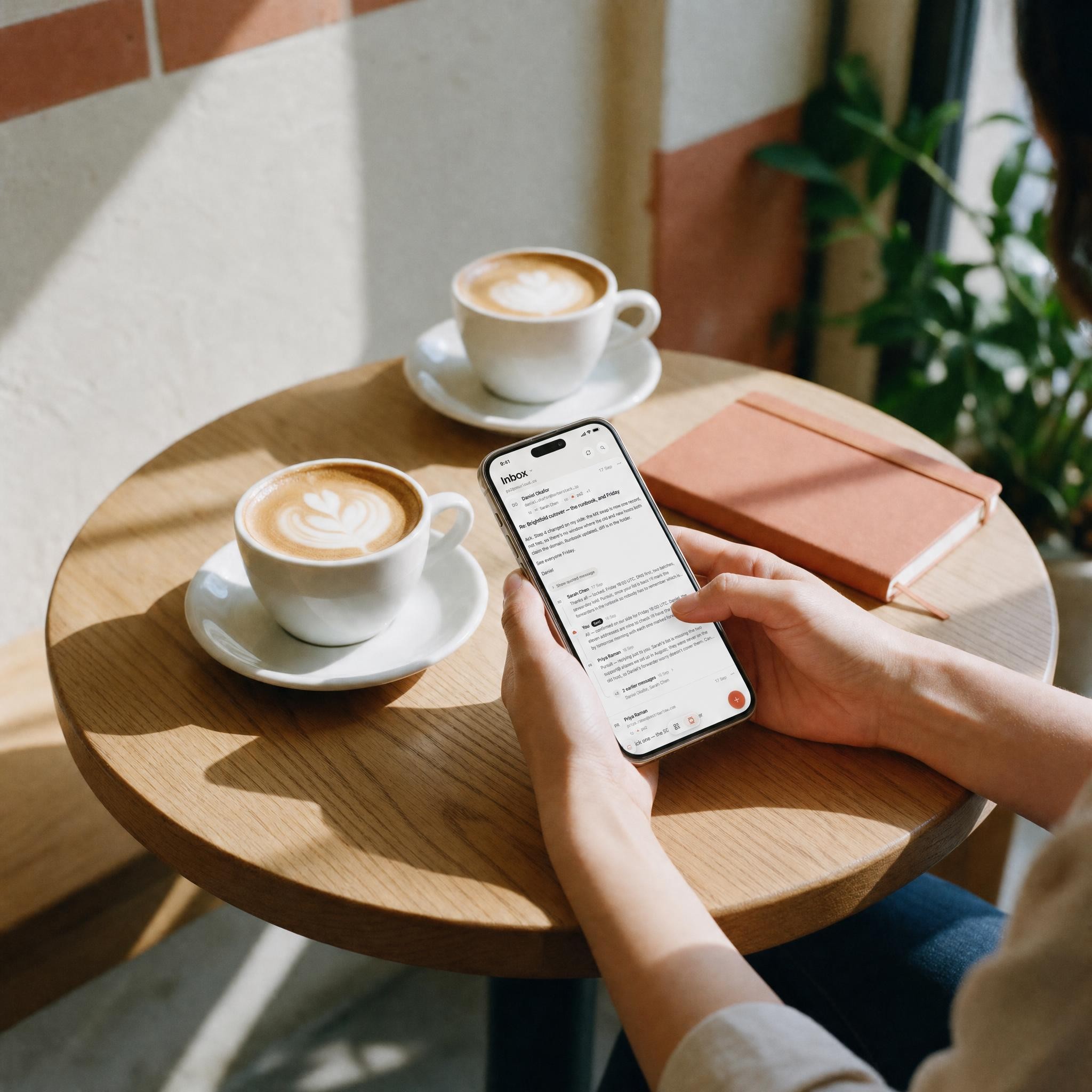
Two hands round a second coffee at a café table, a phone beside the cup

Every unread message

In full. Newest first.

A post is one conversation. What you have not read runs down it whole, the latest at the top, with the sender’s own layout and the files as small pills. With nothing unread, the post leads with the last mail that arrived — never with your own reply.

Useful?

One thumb, once.

Under a post with no answer yet, the Feed asks one question. Thumb up and that sender is at the top from tomorrow. Thumb down and they sit lower — never out of sight. Flagging, replying and forwarding answer it too.

  • Important first

    nothing hidden

  • You make the call

    it’s you

The idea

Feed-based email, defined.

Omucloud reimagines the traditional inbox as a feed. The Feed, also called Feed mode, is an email interface that turns the inbox into a continuous, mobile-first feed: instead of scanning subject lines and opening messages one by one, you read and reply from the feed itself. It is not AI email — nothing summarises, prioritises or drafts — the order comes from you, and the list stays one tap away.

What is feed-based email? →Traditional inbox vs email feed →

Made for iPhone Duo

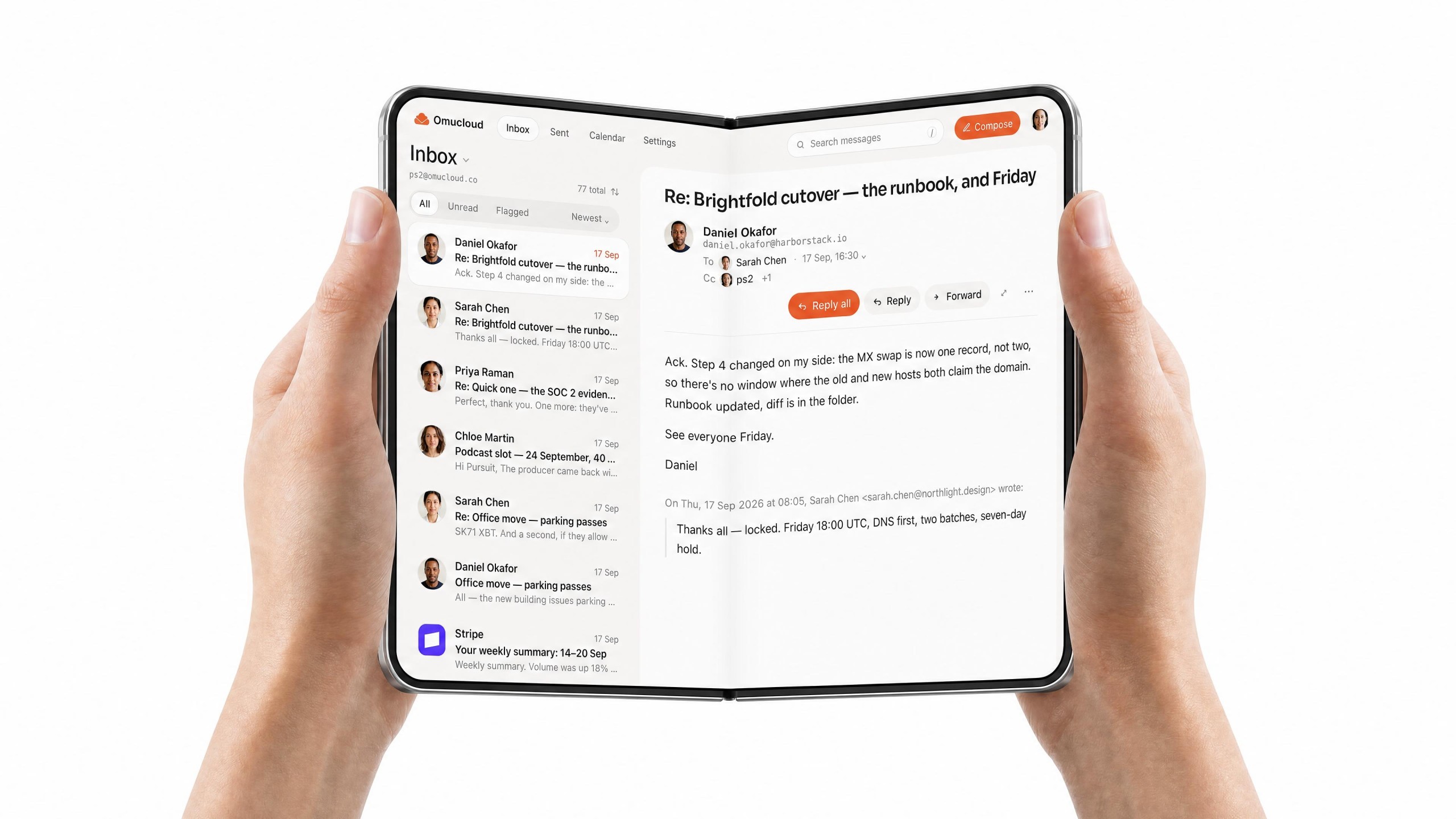
Unfolds with the phone.

Closed, it is the Feed. Open it and the inbox becomes the desk’s view — the list on the left, the letter on the right.

An iPhone Duo open on a desk, the inbox list on the left pane and a letter on the right

Before you press Feed

Where can I use the Feed today?
It is coming to omucloud.co and to the iOS and Android apps. Until then the inbox is the list it has always been; when the Feed arrives, List and Feed sit side by side at the bottom of the inbox and nothing about the list changes.
Does the Feed hide any mail?
No. It orders your inbox into three bands — Important, Unread, Read — and every message is in one of them. Nothing is filtered out, nothing is moved, and spam stays in Spam exactly as it did before.
Does an AI decide what is important?
No. Importance comes from what you do: a thumb up or down, a flag, a reply, a forward. Nothing reads your mailbox in the background, nothing summarises, nothing is sent anywhere.
What happens to the list?
It stays. List and Feed sit side by side at the bottom of the inbox, and the choice is remembered per device — a phone you catch up on and a desk you retrieve from can differ. Searching or filtering always shows the list.
When is a message marked read?
When you open it, or once its post has scrolled fully past the top of the screen — every line of it has been on screen on the way. Marking happens in one batch a moment later, and Mark as unread is in the post's menu.
Can I change my mind about a rating?
Undo sits beside “Noted” for four seconds. After that, Show first and Show lower in the post's menu change it, and a sender you lowered can always be raised again.
A kitchen at golden hour, dinner being made, the phone face down on the counter

Caught up, then on with the evening.

Related readings

  • What is feed-based email?

    The definition, the inbox-versus-feed table, and what a feed is not: threads, chat-style mail, AI triage.

  • Business email on your phone

    The whole setup runs in a phone browser, and there are free iOS and Android apps.

  • Omu AI

    Speak a blunt reply in any language; send it as a proper business email.

  • Omucloud Identities

    One address, several people, each reading it in their own inbox — and in their own Feed.